
01
Create your menu
Create your menu structure and organize categories before you start adding products.

5 modules to isolate all your restaurant workflow
— The platform
Digital menu, reservations, POS, waiter calls and kitchen workflows — connected in one place.
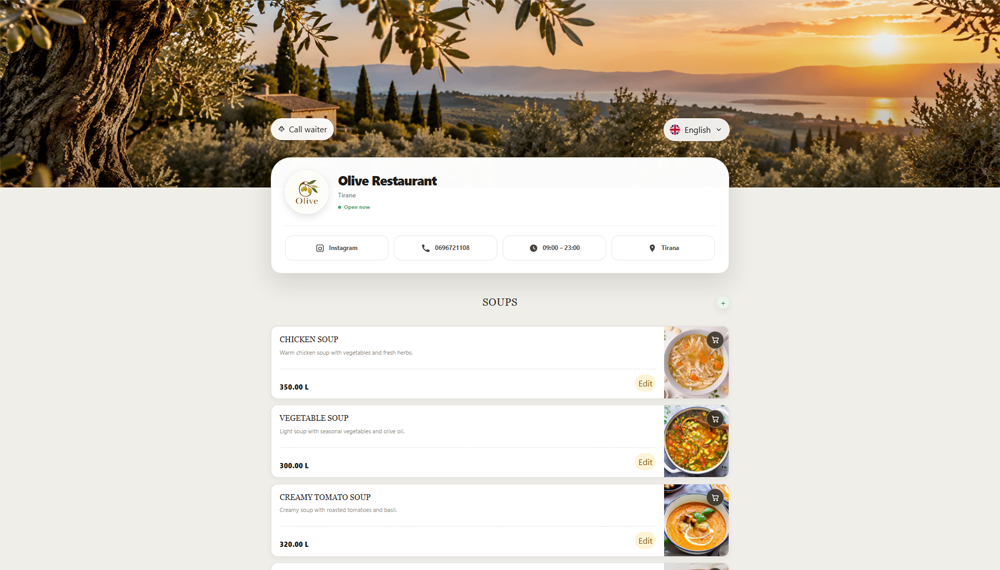
Create a beautiful, mobile-friendly digital menu that guests can open instantly with a QR code.
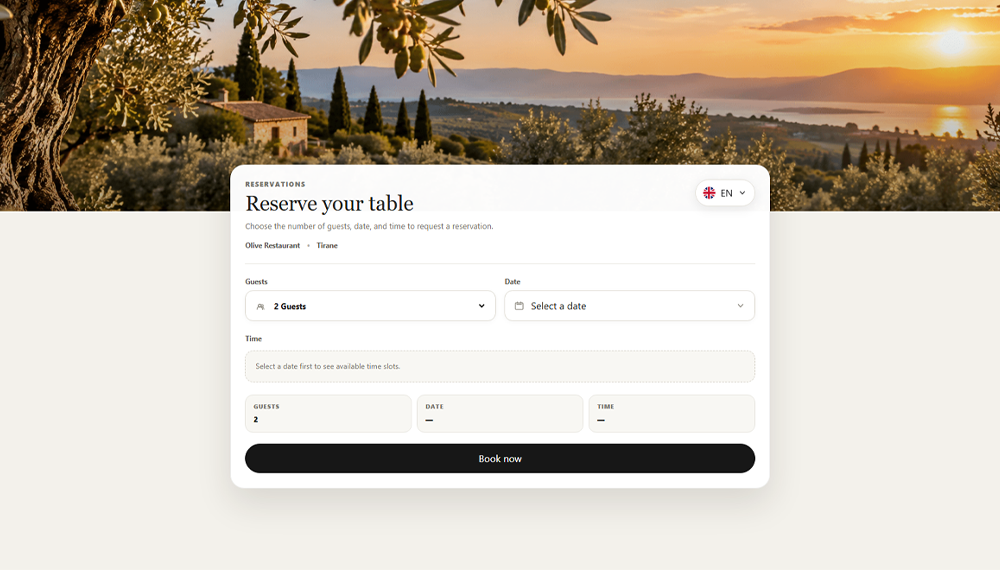
Organize restaurant reservations and keep table availability clear for your team.
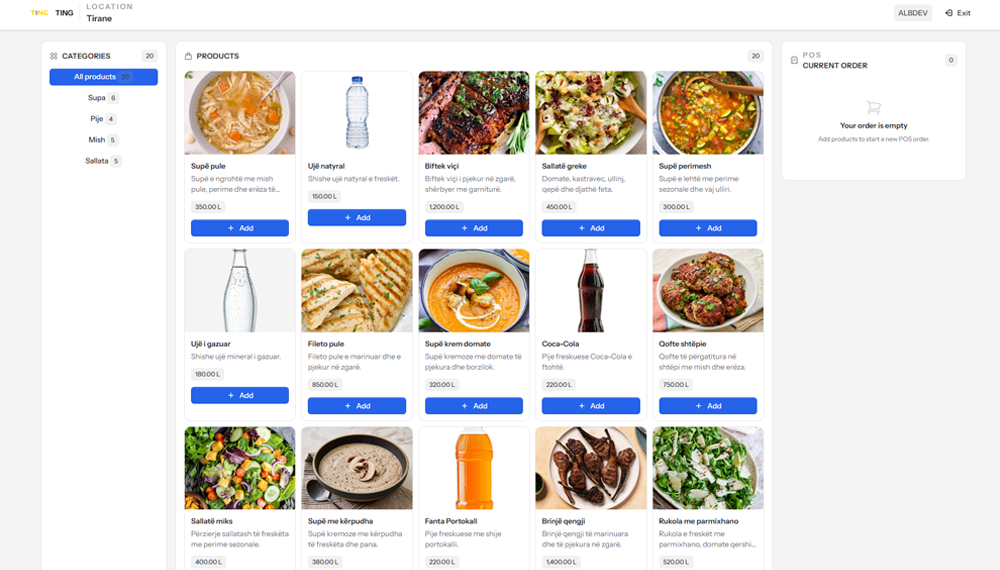
Take and manage dine-in orders with a focused point-of-sale workflow for your staff.
Let guests call a waiter directly from the digital menu, so your team can respond quickly.
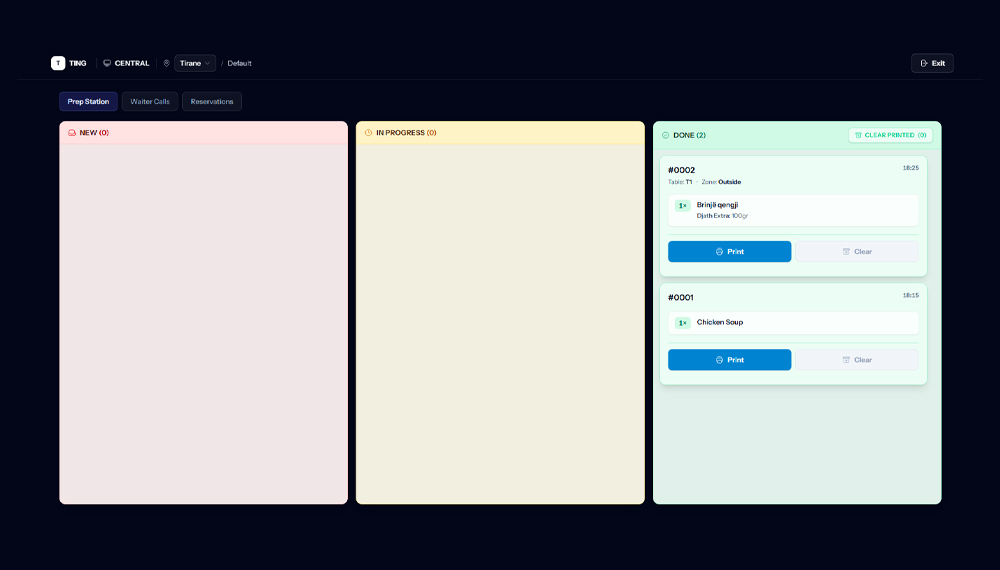
Keep incoming orders and kitchen preparation organized with a clear operational view.
How it works
Keep the setup obvious: build the structure, add the products, then share the live menu.
Create your menu structure and organize categories before you start adding products.
Add products, prices, photos and the information guests need to make a choice.
Publish your QR code or menu link and put the live menu in front of your guests.
Restaurant presentation
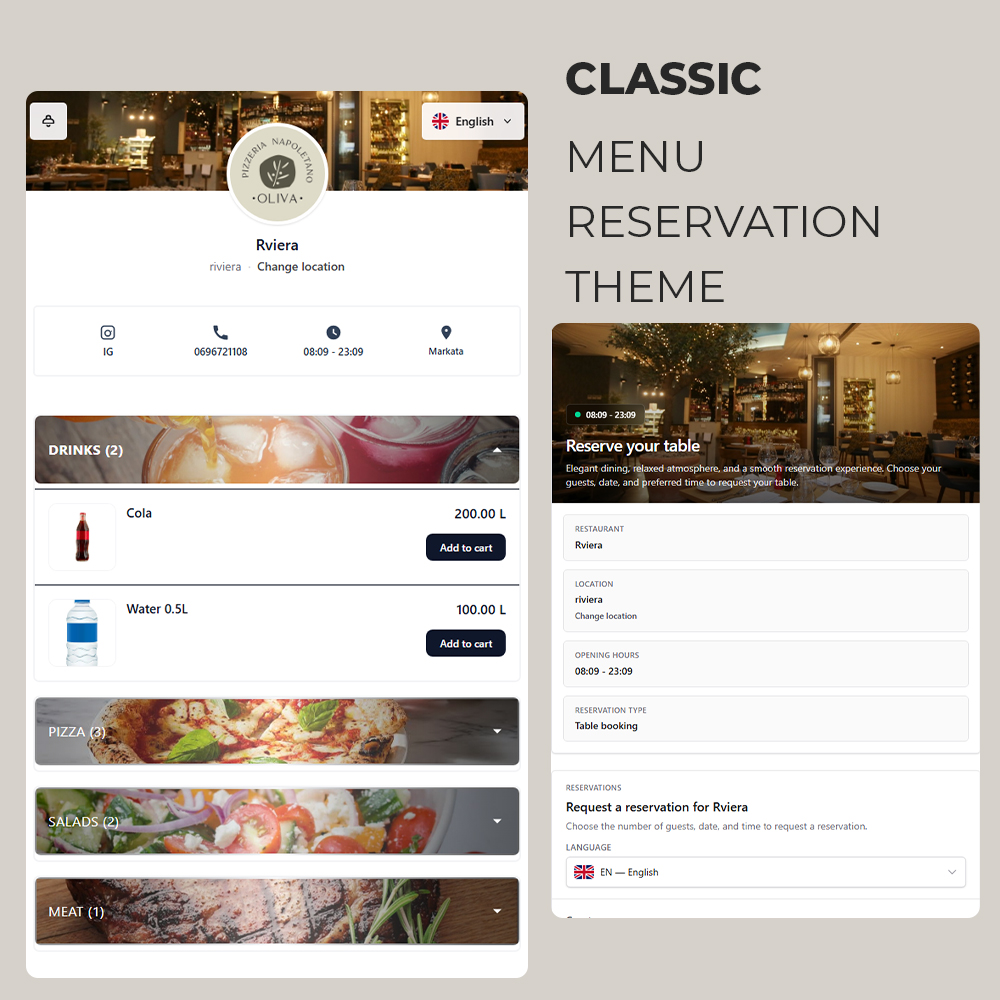
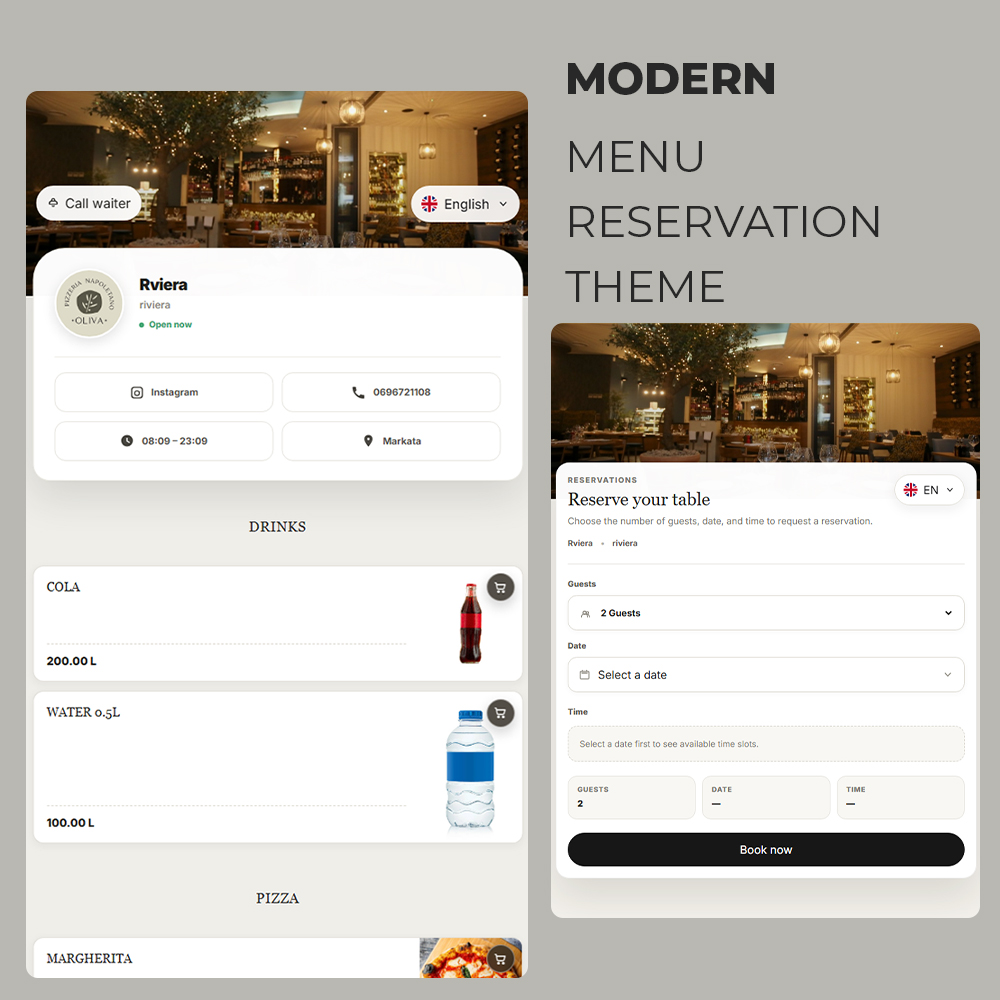
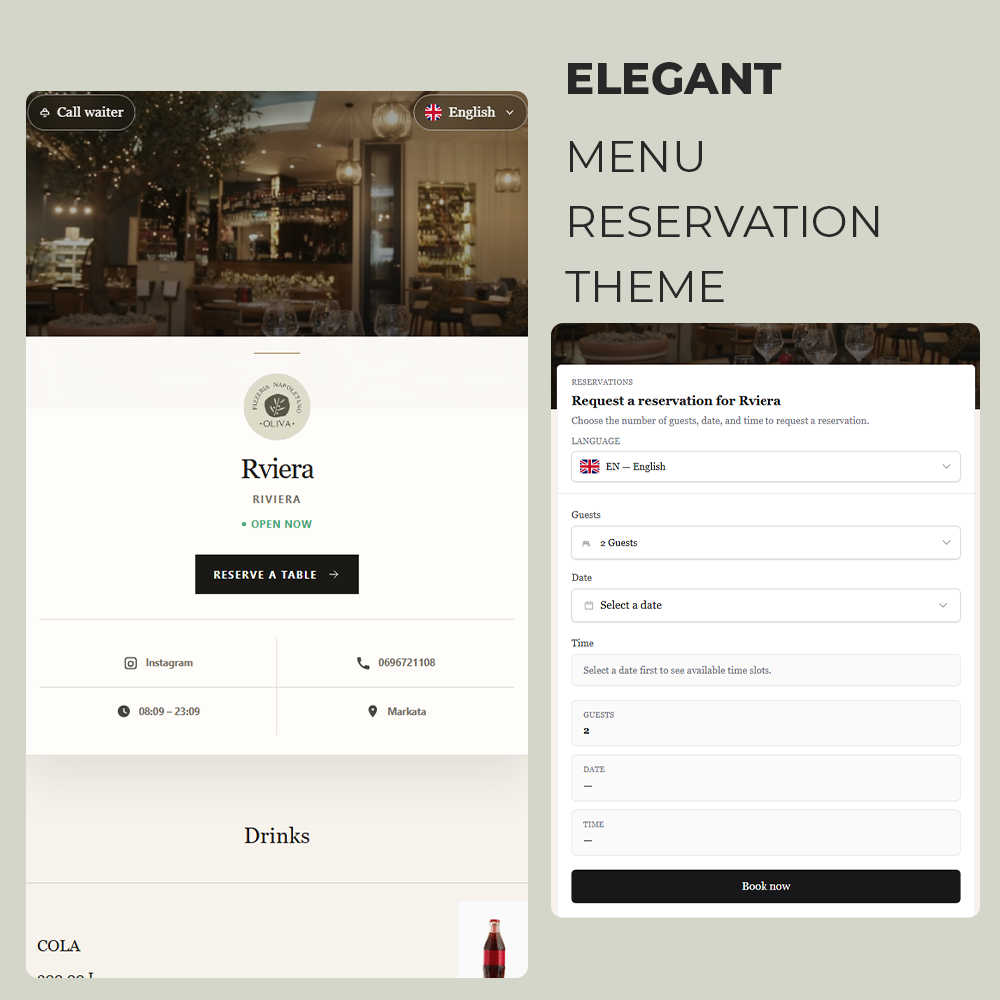
Classic, Modern and Elegant give every restaurant a presentation that feels like its own.
Multi-location
Manage multiple restaurant locations under one platform while keeping each location organized.
Locations · Example
Downtown
Primary location
Waterfront
Secondary location
Old Town
Secondary location
Small operational tools that support the menu, website and restaurant team without becoming the main story.
Serve the same menu in the languages your guests actually use.
See useful activity and performance signals without leaving TING.
Send restaurant updates and operational messages from one place.
Expand the platform with installed extensions when the restaurant needs more.
Guide new restaurants through setup without breaking the signup flow.
Give the right people access to the restaurant workspace.
Let guests request waiter attention from the public menu.
Support ordering flows directly from the restaurant experience.
Launch the menu your guests see and keep the restaurant tools behind it connected from day one.